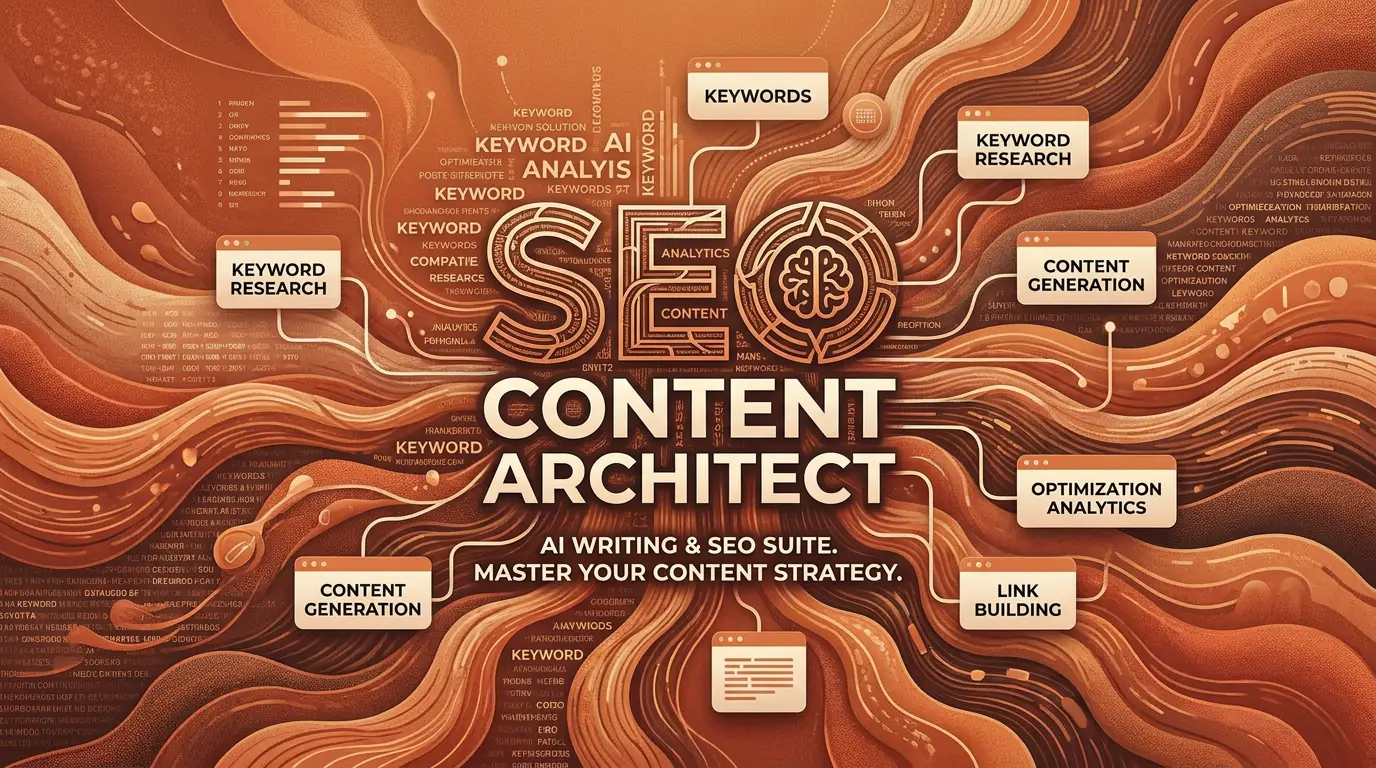
Windows desktop · 15-day trial

From keyword to published post in one window.

SEO Content Architect reads the pages already ranking for your keyword, writes the article against what it finds, generates the images, and sends the whole thing to WordPress with the meta title and description already in place. It runs on your own machine, on your own API keys.

No card required  /  All features unlocked during the trial  /  Article generation stays free afterwards

25+
Publishing languages, with localisation rather than translation
15
Research feeds, from Google News to GitHub and YouTube
15
Social platforms reachable from the same app
0
Drafts, keys or site credentials stored off your machine
SEO Content Architect brand banner: the SCA monogram beside a robot wearing headphones, with the words Content Intelligence.
Content intelligence

The research step runs before the writing step, not after it.

What it does

Seven jobs that usually need seven tools.

Research, drafting, images, metadata, publishing, repurposing and distribution sit in one window. Nothing leaves your computer except the article you decide to publish.

Bring your own API keys

SEO analysis before a word is written

Give it a keyword and it crawls the pages currently ranking for it. You get the word count the winners are hitting, the terms they all cover, the questions people also ask, and how many headings and images they use. Those numbers become the brief the writer works to.

Perplexity-powered

Drafting you can take apart

Point it at a keyword, a URL or a topic and it returns a full article built on the outline. Every section is a block, so you can regenerate one paragraph without rewriting the piece around it.

Tens of articles a day

Images in the editor

Featured image and in-article visuals, generated where you are writing. Five model options depending on the look you need.

5+ image models

WordPress publishing

Connect your sites once, then publish or schedule with categories, tags and SEO metadata already attached. Works across a hundred sites or more.

100+ sites

Write where you publish

More than twenty-five languages, with keyword handling and localisation that adapt to the market rather than translating the English draft.

25+ languages

Fifteen research feeds

Pull what is moving on Google News, GitHub, YouTube and a dozen other sources, then turn any of it into a brief without leaving the app.

15 sources

Nothing sits on someone else's server

The app is installed, not hosted. Drafts, API keys and site credentials stay on your disk, which also means your keyword strategy is not sitting in a vendor's database.

Zero cloud storage

Inside the app

A live score against the pages you're trying to beat.

The Studio Editor grades every draft against the results currently ranking for your keyword — recommended terms, length, heading structure, People Also Ask and images — and shows exactly what is still missing before you publish.

SEO Content Architect — Studio Editor — draft

Workspace

  • My Articles
  • New Article
  • SEO Analysis
  • Social Studio
  • Distribution
  • Auto Posting
  • Bulk Engine
  • Settings

Studio editor

2,180 words 14,900 chars 9 min read Readability fair (58)
  • H1

    How to Choose an AI Content Writer in 2026

  • H2

    What an AI content writer actually does

  • H3 · writing

    Matching tone to the posts you already publish

  • H2

    A checklist before you hit publish

Content score

82 Strong vs SERP for “ai content writer”
Recommended terms33 / 40

24 / 30 terms at target frequency

Word count18 / 20

2,180 words vs median 2,100

Heading structure13 / 15

18 headings (7 H2 + 11 H3) vs ~20

PAA questions12 / 15

4 / 5 questions answered

Images6 / 10

4 images vs ~6

Interface representation. Score and targets shown are an example run against a live SERP.

SEO Content Architect banner: a mechanical brain built from buildings, documents and charts, labelled AI Content Builder, SEO Optimized.
AI content builder

One article in, a week of posts out.

Two modules

The article is the start of the work, not the end of it.

Social Studio turns a finished piece into slides or video. Distribution puts the result on up to fifteen platforms and keeps the calendar.

Social Studio

Carousels and short video, from the same source

Feed it a finished article, a URL or just a topic. It researches the subject against live sources first, so the slides say something specific instead of restating the headline four times.

3 sources
Article, URL or topic
16 palettes
Colour themes
13 font pairs
Display and body
MP4 export
Music and transitions
  • Regenerate any single slide and leave the rest alone
  • Export as PNG, ZIP or MP4 with a Ken Burns zoom
  • Caption, hashtags and first comment written alongside
  • Your logo, your colours, your background images
Distribution

Fifteen platforms in a single pass

Connect each account once, write the post or let the app draft it, then publish straight away or drop it on the calendar. Scheduled posts go out through the cloud, so they still fire with the app closed.

15 platforms
Instagram, TikTok, X and more
Cloud scheduling
Fires while the app is shut
Calendar
The plan as a month view
Analytics
Every platform, one table
  • OAuth only, so passwords are never stored
  • Titles placed where each platform expects them
  • Caption, hashtags and first comment generated per post
  • Reach, clicks and engagement rate aggregated in one place

Free companion plugin

WordPress hides the SEO fields. This opens them.

WordPress keeps SEO meta fields out of its REST API by default, which is why so many publishing tools drop you back into the admin to paste a meta description by hand. The helper registers those fields so they travel with the article.

SEO Architect Helper

Version 1.4.0  ·  GPL v2  ·  6 KB

  • Free, with no licence key to enter
  • No database tables and no settings screen
  • Runs on current WordPress releases
  • Stores no data and edits no posts on its own

Install in three steps

  1. Get the archive

    Download the ZIP with the button on the left. It is six kilobytes.

  2. Upload it to WordPress

    Plugins → Add New → Upload Plugin → Install Now → Activate.

    wp-admin/plugin-install.php
  3. Check the handshake

    In the desktop app, open Settings WordPress Network and run Test SEO Meta Fields.

    A working connection reports back before you publish anything.

Works with the SEO plugin you already run

Yoast SEO SiteSEO SEOPress Rank Math

It does not replace any of them. It registers the fields your SEO plugin already provides with the WordPress REST API and adds one secured endpoint, which is the whole of what it does.

Walkthrough

Watch a full run before you install anything.

Full AI automation for WordPress publishing Opens on YouTube · Ns5-club

Getting started

Two ways in, and one of them costs nothing.

The app is bring-your-own-key, so what you spend per article depends on the models you point it at rather than a tier someone else picked. A cheap setup runs to a few cents; a premium one lands nearer a dollar or two.

15-day trial

Free

Every feature unlocked, no card taken.

  • Unlimited article generation
  • One connected site for one-click publishing
  • Image generation

When the trial ends, article generation stays unlimited and free. WordPress auto-posting needs a licence after that, though you can still upload articles by hand.

Download and start the trial

Questions

Before you download.

What do I need to run it?

A Windows machine. The app is distributed through the Microsoft Store, and it installs locally rather than running in a browser tab.

What does bring-your-own-key mean for the cost?

You connect your own model providers, so you pay them directly and choose the text and image models per job. The same pipeline can produce an article for a few cents or for a dollar or two, depending entirely on which models you point it at.

What happens when the fifteen days are up?

Article generation stays unlimited and free. WordPress auto-posting is the part that needs a licence after the trial, and you can still upload articles to your site by hand in the meantime.

Do I still need Yoast or Rank Math?

Yes, and the helper plugin does not try to replace them. It exposes the meta fields your existing SEO plugin already manages so the app can fill them over the REST API. Yoast SEO, SiteSEO, SEOPress and Rank Math are all supported.

Where do my drafts and API keys live?

On your own disk. Nothing is uploaded to a vendor server, which is also why scheduled social posts are the one part that runs through the cloud: they have to fire when your machine is off.

How many sites can I connect?

One during the trial, so you can test a real publish end to end. The licensed app removes the limit and adds bulk operations across sites.

Install it and run one article end to end.

Fifteen days, every feature, no card. If the first article does not come out better than what you would have briefed by hand, you have lost an afternoon.