Give it a subject. Get back a finished short.

A language model writes the script and the search terms. Stock footage or your own files supply the picture. A text-to-speech engine speaks the narration. FFmpeg cuts the clips to the voice track, burns in the subtitles, mixes the music and writes an MP4 sized for TikTok, Reels or Shorts. All of it happens on your computer, on your own API keys.

Free on the Microsoft Store  /  Windows 10 or 11  /  GPL-3.0  /  No account, no subscription, no cloud render queue

01
Subject

One line, typed into the box. That is the whole input.

02
Script

Written by whichever of 23 providers you configured.

03
Search terms

The same model turns the script into footage queries.

04
Footage

Pexels, Pixabay, or the video files on your disk.

05
Narration

Edge TTS with no account, Azure Speech or ElevenLabs.

06
The cut

Clips trimmed to the voice track, subtitles burned in, music mixed.

07
MP4

9:16, 16:9 or 1:1, written into your own library.

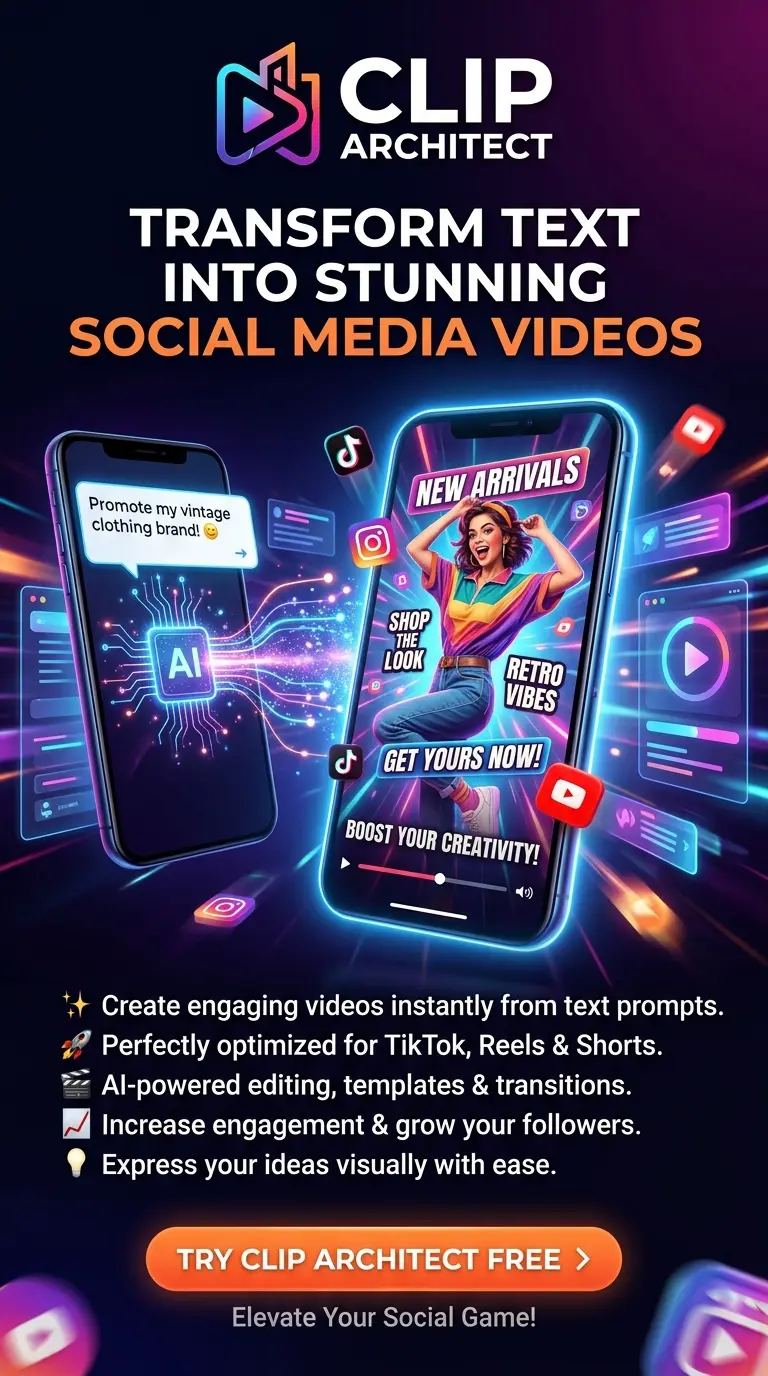
Clip Architect brand banner: the mark and wordmark beside an illustrated desk scene and two phones showing a vertical video being made from a typed prompt.
Promotional artwork

An illustration, not a screenshot. The app has no in-app posting to social networks — see what it does not do.

What comes out is a file, not a link.

Three shapes, subtitles already burned into the picture, narration and music already mixed down. There is no export queue to wait in and no watermark to pay to remove, because there is no service — the render happened on your machine.

Voyager 1 is still sending.

9:16Shorts · Reels · TikTok

Voyager 1 is still sending.

16:9YouTube · landscape

Voyager 1 is still sending.

1:1Feed · square

Narration recorded first Clips trimmed to it

Diagram, not a screenshot. The subtitle styling shown is one of the burned-in presets.

Generate

The first of the app's three screens, and the one that does the work. Seven stages run in order, each one visible while it runs, and two of them stop and wait for you on purpose.

Screen 1 of 3

  1. The script, from a provider you chose

    Twenty-three of them are wired in: OpenAI, Anthropic Claude, Google Gemini, DeepSeek, Qwen, Moonshot / Kimi, xAI Grok, Groq, OpenRouter, Ollama and more. Adding one is a registry entry rather than a code path, which is why there are twenty-three of them and not three, and why OpenRouter alone reaches hundreds more from dozens of vendors. The app lists a provider's catalogue for you to pick from, with a filter that shows only the models costing nothing to call — on by default, and read from the provider's own published pricing rather than from a name ending in :free. Ollama does the same job with nothing leaving the machine at all.

    23 providersFilter: only models that cost nothingOllama runs offline
  2. Search terms, from the same script

    The model reads back what it wrote and turns it into the queries that will fetch the picture. You never have to guess what a stock library calls the shot you had in mind.

  3. Footage, or your own files

    Pexels and Pixabay are fetched at render time with your own free key. Or point it at the video already on your disk and no stock provider is contacted at all. Downloaded clips go into a cache that every later task can reuse.

    PexelsPixabayLocal files
  4. Narration you can hear before you commit

    Edge TTS is free and needs no account; Azure Speech and ElevenLabs are there if you have keys for them. Voices are listed per engine, and the app tells you a key is missing up front instead of failing at the render stage. Record the voice-over on its own first, listen to it, check its duration, and only then build the video around it.

    Edge TTS · no accountAzure SpeechElevenLabs
  5. The review pass, before a single minute is spent

    An optional stop: the clips are downloaded and shown to you, and you reorder, remove or replace any of them before the render starts. It is the step that keeps a bad third clip from costing you the whole render and a slice of your provider quota. A finished task can be reopened for another pass.

    Optional stop
  6. Subtitles burned into the picture

    Choose the bundled font, the size, the position, the colour and the outline, and see it before you render. Burned in means they survive being re-uploaded, cropped or reposted, which a sidecar subtitle file does not.

  7. The cut, the music and the file

    FFmpeg trims each clip to the voice track, mixes in one of the eight bundled music beds or a track you uploaded, and writes an MP4 at 9:16, 16:9 or 1:1. FFmpeg ships inside the app, so there is nothing to install and no PATH to fix.

    FFmpeg bundled (LGPL)8 music beds
Clip Architect — Generate

Views

  • Generate
  • Library
  • Settings

backend
127.0.0.1:51843
running

New video

What Voyager 1 still hears
9:16 16:9 1:1
Provider
OpenRouter
Voice
Edge TTS · Guy
Footage
Pexels
Music
Bundled · 04

Subtitle preview

Forty-nine years out, the signal still arrives.

font · size · position · colour · outline

Task

  • Script Done
  • Search terms Done
  • Footage · 9 clips Done
  • Narration · 0:47 Done
  • Cut and subtitles Rendering
  • Music mix Pending
  • Write MP4 Pending

review pass: 9 clips approved
output: 1080×1920 · h264_mf

Interface representation. The task shown is an example run; the three views, the stage order and the local backend address are the app's own.

Library

Every render stays on the machine that made it, next to the project it came from. Nothing expires, nothing is archived off to cold storage, and no plan tier decides how many you may keep.

Screen 2 of 3

Bass Through the Cosmos 2:41 16:9 Edge TTS Rendered
What Voyager 1 still hears 0:47 9:16 Edge TTS Rendering
Three ways to read a tide table 1:12 9:16 Azure Rendered
Why bridges hum in the wind 0:58 1:1 ElevenLabs In review
The last analogue telephone exchange 1:34 16:9 Edge TTS Rendered

Example library. The first row is real — Bass Through the Cosmos was made with Clip Architect; the rest illustrate the list.

A clip cache the next task can reuse

Footage downloaded for one video stays available to the next one. Two videos on neighbouring subjects will often want the same shot, and the second one does not pay for it in bandwidth or in API quota. You can look through the cache and delete a clip you never want to see again.

Projects you can pick back up

A project keeps the subject, the settings and the choices you made, so the same format can be run again next week without being set up again. A finished task can be reopened, its clips changed, and the video re-cut without starting from the script.

Settings

The third screen is a single configuration file with a form in front of it. Nothing ships with credentials, so the app is inert until you supply your own — and there is one path through it that needs no credentials at all.

Screen 3 of 3

What you supply

Keys are yours, entered once, kept in config.toml in your own app data folder. Every request goes from your machine to the provider you picked, and the bill is between the two of you.

1 LLM key
Any of the 23 providers, or a local Ollama with no key at all
1 footage key
Pexels or Pixabay, both free — unless you render from local files
0 for voice
Edge TTS needs no account; Azure and ElevenLabs are optional
0 for music
Eight tracks ship with the app; your own uploads sit beside them

The path that needs no account

Local footage plus Edge TTS. No stock provider, no sign-up, no key. It exists because it is the honest first run for someone who has just installed the app, and because a Microsoft Store reviewer on a clean machine with no accounts has to be able to watch it do something.

  • No account is created anywhere, including with us
  • Nothing is uploaded except to the provider you chose, with the key you gave it
  • Renders, footage and uploads live in your app data folder, not on a server
  • Nothing about the video you render is metered, counted or reported

One window, two processes, no server.

All of what follows is in the repository — the Rust shell, the React frontend and the vendored Python backend, under GPL-3.0. Clip Architect is a desktop build of MoneyPrinterTurbo. Upstream is a Python web app you start from a terminal and use in a browser. This repackages it as a single Windows application: a Tauri shell owns the window and the process lifecycle, a React frontend replaces the Streamlit UI, and the Python backend runs as a private local service that starts and stops with the app.

  • The Rust shell reserves a free loopback port, starts the backend on it, waits until it accepts connections, and kills it on exit.
  • The backend is assigned to a Windows Job Object with KILL_ON_JOB_CLOSE, so a crash — or a kill from Task Manager — cannot leave it rendering in the background.
  • Writable data and read-only resources are split across two directories, which is what makes an MSIX build possible: Store apps install under Program Files and cannot write there.
  • FFmpeg is an LGPL build, bundled at about 110 MB. It calls the encoder built into Windows rather than shipping one, which keeps H.264 patent licensing out of the picture entirely.
~70 s
First cold start, while Defender scans the ~290 MB bundle
~20 s
Warm start after that
Windows 10 1809+
With the WebView2 runtime. That is the whole requirement list
No GPU
Encoding goes through the H.264 encoder built into Windows, so a modest CPU is enough
Python 3.11
Frozen into the bundle — you do not install it

What it does not do.

Four of these are decisions rather than gaps, and it is worth knowing which is which before you install anything.

Windows only

The shell, the MSIX packaging and the h264_mf encoder are all Windows-specific. There is no macOS or Linux build, and porting is not a recompile.

Subtitle scripts

No CJK, Cyrillic or Greek subtitle font ships with the app. Latin, Vietnamese and Thai are covered. Other scripts render as blank glyphs rather than failing loudly, so check your language before you plan a series in it.

H.264 baseline

Video is encoded through Windows Media Foundation, which means Constrained Baseline and files larger than a bundled libx264 would produce. That is a patent decision, not an oversight, and it is why the app can be given away. HEVC is never emitted.

Not in the UI yet

Several upstream integrations are vendored but not surfaced: LoomLoom video generation, Sonilo and ElevenLabs music generation, TwelveLabs reranking, social cross-posting. The code is in the build; the screens for it are not.

Dual-licensed, and the videos are yours either way.

Neither licence claims any right over what Clip Architect produces. What you render is yours to publish, sell or monetise, and what you put in — your footage, your scripts — stays yours. Only the terms of the providers you configure, and the licences of what the app bundles, apply on top.

Default

GPL-3.0

Free of charge

For everyone. Use it, study it, modify it, and make videos with it — including videos you sell.

  • Every feature, no trial period, no tier above it
  • Commercial use of the videos you render is included
  • What it asks in return: if you distribute the software, or anything derived from it, do so under GPL-3.0 with source

The upstream MoneyPrinterTurbo code is MIT and keeps its notice. MIT is one-way compatible with the GPL, so the combined work ships under GPL-3.0 — but nothing bundled forces that choice, because the FFmpeg build is LGPL. It is a preference, not an obligation inherited from a dependency, and it is also what makes the second licence possible: nothing shipped here carries a copyleft obligation the author cannot waive.

Clip Architect does not host a single frame.

The picture comes from libraries other people keep free, fetched at render time with your own key, and the voice comes from an engine that asks for no account at all. Both footage licences allow commercial use of the finished video and neither requires crediting the clip in it — but the terms are theirs to change, and they are worth reading before you publish at scale. Crediting a creator you liked costs nothing, and it is the reason the libraries stay free.

Pexels

Free stock video, no attribution required, under the Pexels License. Get a key at pexels.com/api.

Edge TTS Text To Speech, by innoai

Text-to-speech with Microsoft Edge TTS — the engine behind the narration, and the reason there is a path through this app that needs no account at all. This Hugging Face Space speaks any text through the same engine, so you can hear a voice and settle on it before choosing it in the app.

MoneyPrinterTurbo, by Harry

The pipeline this app is built on, MIT-licensed. Clip Architect is the Windows desktop build of it: the shell, the frontend, the settings, the metadata and the review routes are the additions.

Tauri, FFmpeg and MoviePy

The window and the process supervision; the media handling, in an LGPL build; and the editing layer above it.

Prefer to credit nobody? The local footage plus Edge TTS path needs no stock provider and no account at all.

Questions worth asking first.

Where do I download it?

From the Microsoft Store, free, since 26 August 2026. It is an MSIX package of about 257 MB — the bundled FFmpeg build alone is roughly 110 MB of that — and it needs Windows 10 version 1809 (build 17763) or later. The Store does the installing and the updating, so there is no separate installer to run and nothing to uninstall by hand. The other route is still open: the whole source is public and GPL-3.0, so you can read it, or build it yourself with Rust, Node 20 and uv, following the repository's own instructions.

Does anything I make leave my machine?

Only what the render needs, and only to the provider you configured, with the key you gave it: the script prompt goes to your LLM provider, the search terms go to Pexels or Pixabay, the narration text goes to your TTS engine. The video itself is assembled and written locally and is never uploaded anywhere. Choose local footage and Edge TTS and the footage never leaves your disk either.

What does it cost to run?

The app is free under GPL-3.0. What you pay is whatever your own providers charge you, billed to you directly — there is no markup in between, because there is nothing in between. It can also come to nothing: the model list in Settings has a filter for models that cost nothing to call, switched on by default, so the cheapest route is the one you land on. Pair one of those — or a local Ollama model — with Edge TTS, and the only key left is a stock footage one, which Pexels and Pixabay both give away. Free models are generally rate-limited rather than billed, so a busy afternoon may mean waiting rather than paying.

Can I sell the videos it makes?

Yes. Neither licence claims any right over what you render, and both the Pexels and the Pixabay licences allow commercial use of the finished video. What GPL-3.0 governs is distributing the software, not the output.

What if I do not like the clips it picked?

Turn on the review pass. The clips are downloaded and shown to you before the render, and you reorder, remove or replace any of them — so a bad third clip costs you a click rather than the whole render and a slice of your provider quota. A task that has already finished can be reopened and its clips changed without going back to the script.

Why is the first launch slow?

Around seventy seconds, once, while Windows Defender scans a roughly 290 MB bundle it has not seen before. After that it is about twenty seconds. The startup timeout in the app is deliberately generous for exactly this reason rather than reporting a failure that has not happened.

Is there a macOS or Linux build?

No. The shell, the packaging and the video encoder are Windows-specific. That is a real limitation rather than a roadmap item.

How is this different from running MoneyPrinterTurbo myself?

Upstream is a FastAPI service with a Streamlit UI that you start from a terminal and use in a browser, and it derives its file paths from the source tree, which breaks the moment it runs from a read-only install. Clip Architect is one installable Windows application: the shell supervises the backend process, the frontend is a React app rather than Streamlit, paths resolve from the environment, and the settings, metadata, projects and review routes exist because a separate frontend needs them and Streamlit did not.
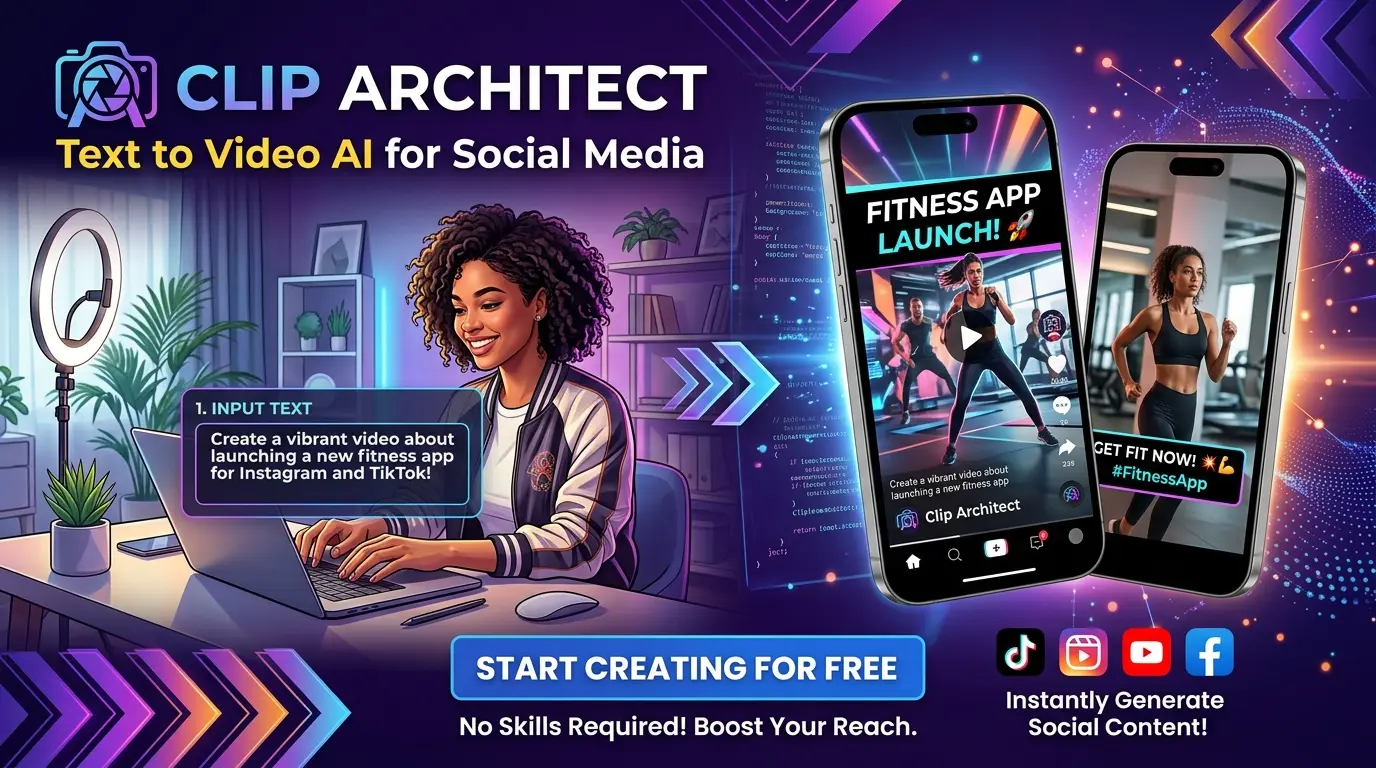
Clip Architect promotional poster: the mark and wordmark above two phones, a typed prompt turning into a vertical fashion video, and a list of what the app does.

The artwork, and what it overstates.

This is the poster the app is advertised with. It is illustration: the phones are drawn, the video in them was never rendered, and the platform marks are the networks a finished MP4 is uploaded to by you, not by the app.

Clip Architect writes a file and stops. Cross-posting exists in the vendored upstream code but is not surfaced in the interface, which is why it is listed under what it does not do rather than shown as a feature. The mark itself, and the icon it is built from, are in the repository under GPL-3.0 if you are writing about the app and need them.

Watch one it made, then install it.

Bass Through the Cosmos was written, sourced, narrated and cut by Clip Architect, on one machine, in one window. It is free on the Microsoft Store, and the whole source is GPL-3.0.

Tauri 2 shell · React 19 frontend · Python 3.11 backend · GPL-3.0, with a commercial licence available