Research that cites its sources, and checks them.
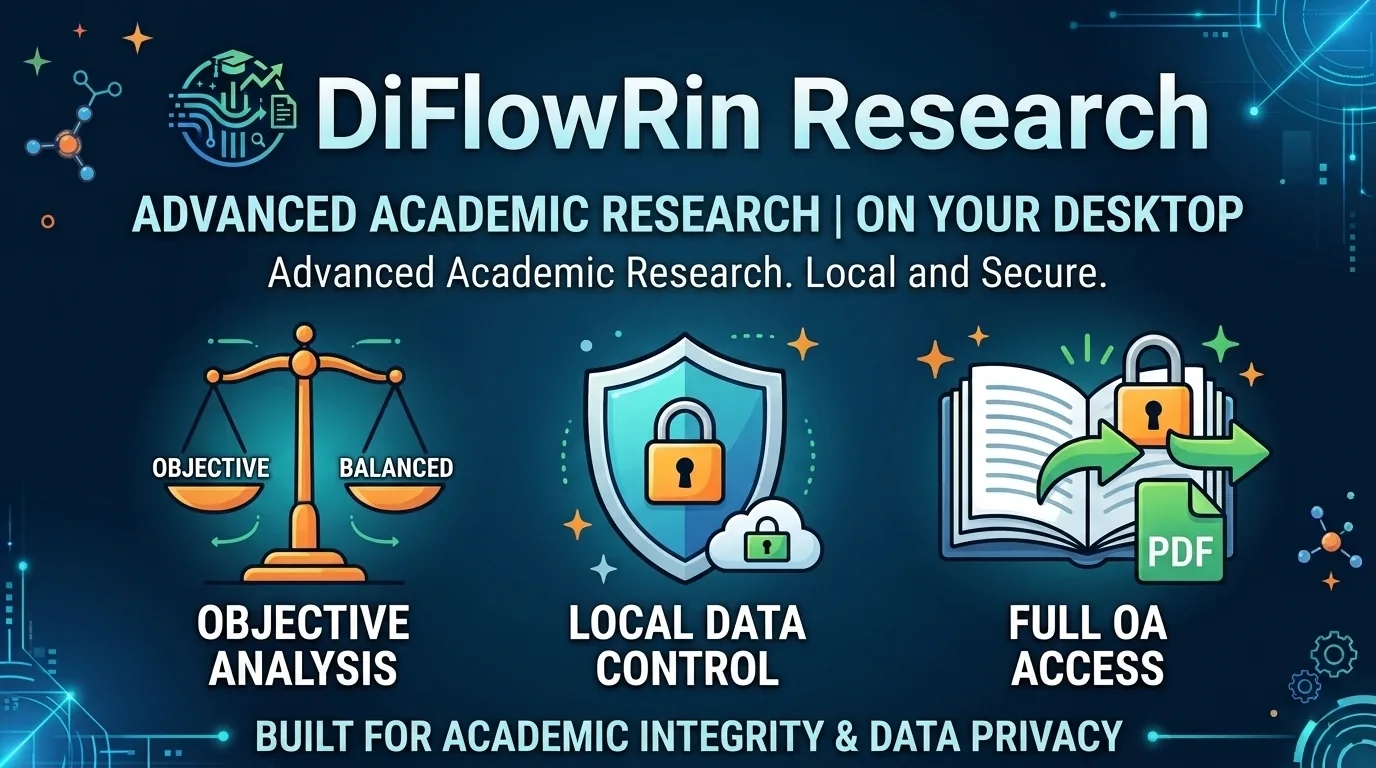
Ask one question. DiFlowRin Research reads the primary literature, writes a report with every source attached, and checks each citation against the text it came from. Your research library stays on your own PC.
Your first report is free.
New: Verify citations checks the citations of a text you already have. Free, with or without a licence.
What happens when you ask a question
-
Primary sources first
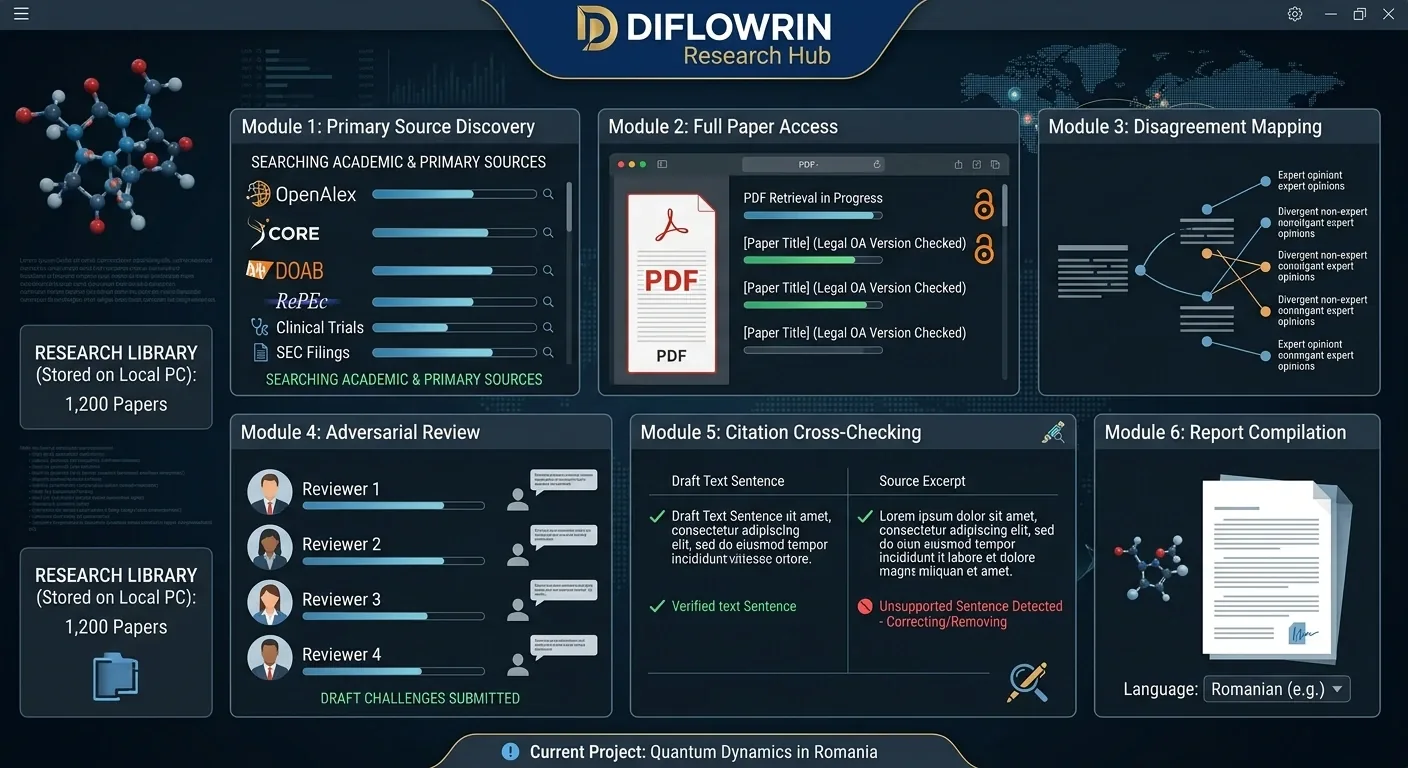
It searches academic and primary sources before anything else: OpenAlex, CORE, DOAB, RePEc, clinical-trial registries and SEC filings.
-
Full papers, not summaries
It reads full papers and PDFs. When a paper is paywalled, it looks for a legal open-access copy and tells you which version it read.
-
The other side, on purpose
It looks for the counter-argument deliberately, then sets out where experts actually disagree.
-
Four reviewers against its own draft
It sends four adversarial reviewers against the draft and rewrites whatever they find weak.
-
Every citation checked
It checks every citation against the note it came from. A sentence its source does not support is corrected or removed.
You get a report with its sources attached, written in the language you asked the question in.
Choose your depth
Pick how far the research goes before you start. The deeper the run, the more sources it reads and the longer it takes.
| Depth | Sources | Typical time |
|---|---|---|
| Short | 15–25 | 1–1.5 hours |
| Standard | 55–80 | 3–5 hours |
| Deep | 100–130 | 6–10 hours |
| Book-length | 300–450in 4–10 chapters | 8–16 hours |
You can close the window while it runs. The research keeps going in the background.
 Watch on YouTube
See the app before you install it
A three-minute tour: asking a question, the research run, the finished report, Verify citations, pricing and privacy.
DiFlowRin Research: one question in, a sourced report out, on the diflowrin channel. It opens on YouTube rather than playing here, because nothing on this page is fetched from another site until you ask for it.
Check the citations of any text
Verify citations checks a text you already have: your thesis, an article, or a report published online. It is free, with or without a licence, and it does not use up your free report.
-
Finds the source
It checks that the source exists and is described correctly: title, authors, year and DOI.
-
Reads it
The full text when it is openly available, otherwise the abstract.
-
Gives a verdict
It tells you whether the source supports what the sentence says.
Supported Partly supported Not supported Undecided
-
Quotes the passage
It quotes the passage from the source that shows it, so you can check the verdict yourself in seconds.
What you can check
- Paste the text straight into the app.
- Choose a file: Word, PDF, plain text or a saved web page.
- Give the page's web address for a text published online.
Citation styles it understands
(Author, year)
[1] numbered
Footnotes
Links
It does not guess
A source the databases do not list is reported as not found, never as invented.
When only an abstract could be read, the result says so, and a claim the abstract does not mention is marked undecided rather than unsupported.
Your library stays on your PC
- Notes, PDFs and reports are saved to a folder you own. Search them, browse them, and see how sources connect.
- No account, no cloud, no server of ours holding your research. We never receive it.
One thing to know: the AI analysis runs through your own Claude or OpenRouter account, so your questions and the material being analysed are processed by that provider, under its terms.
What you need
Windows 10 (version 2004 or later) or Windows 11, 64-bit.
Claude Code on your computer. The app installs it for you.
Either a paid Claude plan, or an OpenRouter API key, which is billed per run instead of per month. AI usage is billed by Anthropic or OpenRouter, not by us.
The app is about 340 MB to download.
Try it free
Your first report is free. It is one complete run, not an expiring trial, and you keep the report and everything it collected. If it isn't better than what you would have put together yourself, you have lost nothing.
Pricing
One licence, one PC, every depth. Pay monthly or once a year.
Monthly
$14/ month
- Every depth, from Short to Book-length
- One PC
- AI usage billed separately by your provider
Yearly
$99/ year
Saves $69 against 12 months at $14.
- Every depth, from Short to Book-length
- One PC
- AI usage billed separately by your provider
After purchase, enter the licence key in the app under Settings.
Verify citations needs no licence: it is free for everyone and does not use up your free report.
Questions
Do I need an AI subscription?
Yes: a paid Claude plan or an OpenRouter key. The app does not include AI usage.
How much does one research run cost?
It depends on many things, including the depth you choose, how many sources the question needs and the model doing the work. A run can cost anything from a few dollars to a few hundred dollars for complex research. The app reads a great deal before it writes, so it uses far more AI capacity than a chat does.
For the best speed and quality, use Claude. To keep costs down, use a cheaper model through OpenRouter, such as DeepSeek's top model. This cost is billed by your AI provider, not by us.
Can it check a text I have already written?
Yes. Verify citations takes your thesis, an article or a report, as pasted text, a file or a web address, and checks each cited source: whether it exists, whether it is described correctly, and whether it supports the sentence that cites it. It is free, with or without a licence.
Where is my research stored?
In a folder on your PC. We never receive it.
Can I use it on two PCs?
A licence covers one PC.
What languages does it write in?
Ask in your language, and the report is written in it.
Does it work offline?
No. It needs the internet to find sources and to reach the AI provider.
Is it affiliated with Anthropic?
No. DiFlowRin Research is an independent product and is not affiliated with or endorsed by Anthropic or OpenRouter.