

What don’t the people who make desktop operating systems understand about how we actually work? Novastart is an infinite canvas OS, and the idea behind it is embarrassingly simple once you hear it. Your screen is not your workspace. Your screen is a window into your workspace. The workspace itself goes on forever.
Think about what you do all day. You open an app. It lands in a rectangle. You open another one. It covers the first. You minimize, you alt-tab, you lose the spreadsheet you had open five minutes ago, you hunt for it like a maniac. This is the model. One screen, a pile of windows stacked on top of each other, and you, digging.
📹 Video: Novastart – The Infinite Canvas OS
Video credit: NovaStart
Why? Because the desktop was designed for one user, one keyboard, one mouse, one small monitor, and a handful of apps. That world is gone. The model stayed.
The whiteboard comparison, and why it’s wrong
You’ve seen infinite canvases before. Whiteboard tools give you an endless sheet where you can scatter sticky notes, shapes, templates, little drawings. Fine. But a sticky note is not work. A sticky note is a reminder of work that happens somewhere else.
Novastart’s canvas holds your actual apps. Gmail, Excel, Notion, a bundled Chrome, ONLYOFFICE, Linux apps, and 30-something more, all opening as real windows you can zoom, arrange, and save. Not screenshots of apps. Not embeds that show you a frozen picture of your document. The apps themselves, running, editable, alive.
So the difference is this: a whiteboard is a place where you plan to work. This is a place where you work.
How the infinite canvas actually works
Every app you use becomes a window on an infinite canvas. Zoom in and you’re inside your household budget in Excel, editing a cell, watching the totals update. Zoom out and the whole arrangement appears around it: Wedding Planning, Vacation, Apartment Search, Work, each with its own apps sitting where you left them.
Nothing hides behind a tab. That’s the whole trick, and it’s not a small one.
Spatial organization instead of window switching
Humans remember places. You might forget a filename, but you remember the document was over on the right, next to the spreadsheet. Traditional desktops destroy that constantly. Minimize, reopen, cycle, search. Every day, the same little archaeology dig through your own machine.
Novastart bets on the opposite. Every window has a place, and it stays in that place. The site breaks the idea into three pieces:
Visual organization. Every window has a place. Zoom out and see all of it at once.
Saved workspaces. Tomorrow, every app, position and tab is right where you left it.
Unlimited canvases. One for the wedding, one for the finances, one for work. As many as you need.
A persistent digital workspace, in other words. The room doesn’t get cleaned up when you leave. You come back and your stuff is where your stuff was.
Now the part that actually matters: the AI agents
Here’s where it gets interesting, and where most tools in this space are doing it wrong.
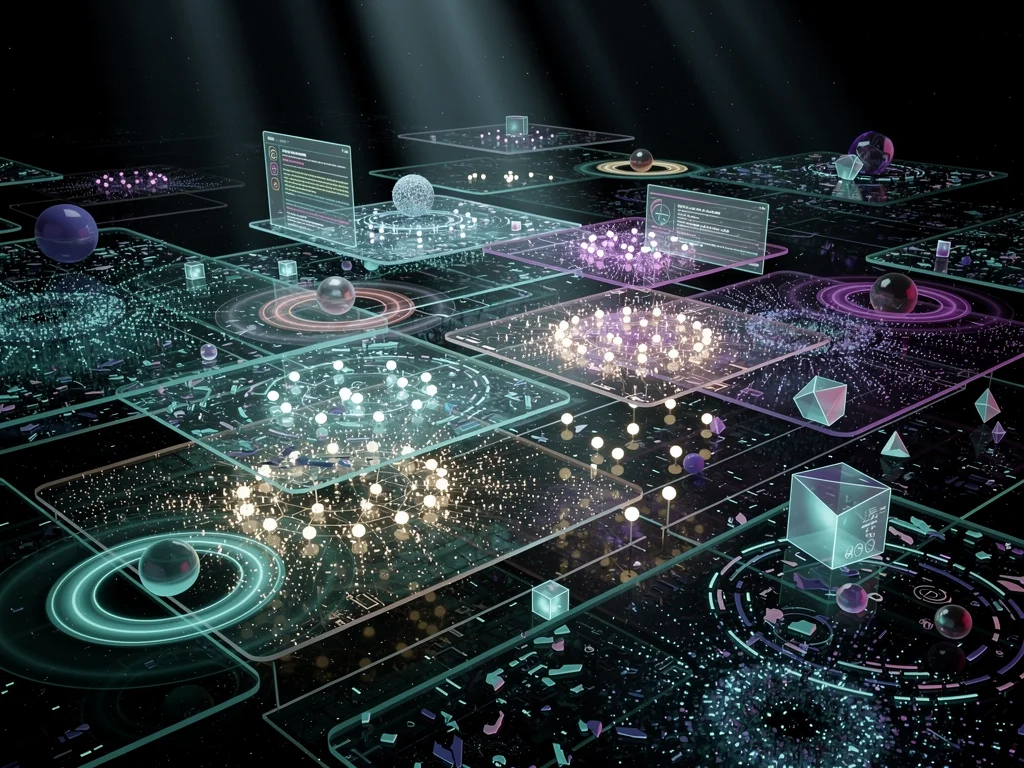
Most AI agent tools work out of sight. You type a request into a box, something happens in a cloud somewhere, and a text comes back. Did it do the thing? Did it do the right thing? Who knows. You get a report. You trust it or you don’t.
Novastart’s answer: agents get a cursor. Each agent gets its own window on the canvas, its own pointer, and you watch it work. Not a log file. Not a spinner. The actual clicking, typing, scrolling, in a window next to yours.
One lead, many helpers
The demo on the site goes like this. You ask one agent to plan a ski trip. That agent becomes the lead. It drafts a plan with one task per helper, opens a window for each part of the trip, arranges those windows in a tidy grid beside your own notes, and gives each helper a name and a colour. The helpers go off and do their parts. They report back into the lead’s chat. The lead adds it all up in a sheet.
This is a lead agent that delegates tasks to helper agents, and the whole org chart is visible on your screen. You can see which window is doing what, which helper is stuck, which one is done.
Step in any time
And here’s the part that separates a tool from a toy. You can interrupt.
Type a correction mid-run, and the agents adjust without restarting the whole job.
Pause, and every one of them freezes mid-click.
Take any window back and drive it yourself.
An AI workspace with pause and mid-run correction is a very different thing from an AI workspace that emails you a result. One is a colleague. The other is a slot machine.
Done means checked
One more detail, and it’s a good one. Before a job counts as done, a separate check looks at a fresh screenshot. Not the agent grading its own homework. A verification step, on a new capture of the screen, before anything gets marked complete.
Now, honesty: the site doesn’t say what model runs these agents, doesn’t give benchmark scores, doesn’t publish an accuracy rate for the checker. So I won’t invent any. What the homepage claims is the workflow: visible agents, delegation, interruption, verification. That workflow alone is more than most agent products show you.
Collaboration: stop sharing your screen, share the workspace
Screen sharing is a bad invention and everybody knows it. One person drives, everyone else watches a compressed video of someone else’s desktop, and the most common sentence in remote work is “scroll up.”
Novastart replaces the video with the room. Your whole team works on one shared canvas, and each person gets their own cursor, in their own colour. The site’s example: Tom moves a window while Maya edits it, and both changes land. Tom clicks into a window that runs on Maya’s machine, streamed live to him. Maya hides a window and Tom sees a placeholder. Maya’s agent shows up on Tom’s screen labelled Maya (AI). Tom messages Maya from her avatar.
The features, as the site names them:
Everyone can drive. No passengers. Every cursor works.
Chat. Built into the OS, not bolted on.
Apps, not video. You use a teammate’s apps as if they were yours, instead of watching a feed of them.
The room stays. Leave and come back, everything is where the team left it.
Multi-cursor collaboration on a real desktop, with window streaming between machines. That’s the pitch, and it’s a genuinely different pitch from “we added comments to a whiteboard.”
Why build this as an OS at all?
Fair question. Why not an app?
The team’s own writing on DEV Community lays out the reasoning. A traditional desktop doesn’t get better when you give it a bigger screen. You just get bigger windows. But if the desktop is an infinite canvas, the display becomes a viewport into something much larger. A wall-sized screen could show an entire project at once, several collaborators in different areas, agents working alongside you, dashboards that stay visible without covering your work.
The same piece lists the technical problems they had to solve, and the list alone tells you why this is an operating system and not a browser tab: independent input focus, multi-user window interaction, synchronizing window geometry, streaming individual application windows, permissions, persistent canvas state, low-latency collaboration, and coordination between humans and AI agents. Each of those is a hard problem. Together they’re an OS.
And to their credit, they don’t claim Windows, macOS or Linux desktops are finished. The argument is narrower: those systems were built around assumptions that no longer hold, and the desktop is allowed to evolve.
Getting it, and what it costs
According to the project’s own description, you can install it this afternoon on Windows 10/11 or an Intel Mac, either as a downloadable app or as a full OS install. There’s a free plan: 1 folder, 2 canvases, 4 windows. Enough to find out whether spatial work fits your brain or not.
One disclosure, because it belongs in the open: the material this article draws on comes from the project’s own site and writing, and the person who supplied the topic identifies as a co-founder, Thomas Fraher. So treat the enthusiasm accordingly and test the thing yourself. The free tier exists precisely for that.
What I can’t tell you, because the public material doesn’t say: detailed system requirements, pricing beyond the free plan, the AI model behind the agents, performance numbers. The homepage is a vision statement with a demo, not a spec sheet. If you need those answers, the site has a questions form and they reply by email.
People Also Ask
Which applications can run as windows on the Novastart canvas?
The project’s materials name Gmail, Excel, Notion, a bundled Chrome, ONLYOFFICE and Linux apps, with 30 or more in total. The homepage’s demo film shows everyday apps opening from a dock and landing side by side on the canvas, where they run as real, editable windows rather than static embeds.
How are Novastart’s AI agents different from ordinary background agents?
Background agents work out of sight and return a report. Novastart’s agents each get their own window and cursor on the canvas, so you watch them work in real time. You can pause them mid-click, type a correction while they run, or take a window back for direct control.
Can a lead AI agent divide work among helper agents?
Yes. The lead agent breaks a job into separate tasks, hands each one to a helper, and keeps the whole arrangement visible on the canvas. Each helper works in its own window, and the lead gathers their results into a single output.
How does Novastart verify that an agent’s work is actually finished?
The site describes a step called “done means checked”: a separate check examines a fresh screenshot before a job is marked complete. The idea is that the result is verified visually rather than the agent simply declaring success, though no accuracy figures for the checker are published.
Is Novastart a replacement for screen sharing?
That’s how the project frames it. Instead of one person broadcasting their screen, the whole team works on the same shared canvas, each with their own cursor. You can click into a window running on a teammate’s machine, streamed live, and use their apps as if they were yours.
Where this goes
The desktop has been a stack of overlapping rectangles for decades, and the stack made sense when one person used one mouse on one small screen. None of those conditions describe how work happens now. Work is many apps, many projects, distributed teams, and increasingly, AI agents that need somewhere to sit.
Novastart’s bet is that all of it belongs on one surface: a shared canvas software layer where your apps keep their places, your teammates get their own cursors, and your agents work in windows you can see, pause and correct. Whether the execution matches the demo is something the free plan will tell you faster than any article can. The idea itself, though, is the right shape. The desktop was due for a bigger room.
Additional Resources
This article includes content created with AI.