
Why manga translation is a production problem
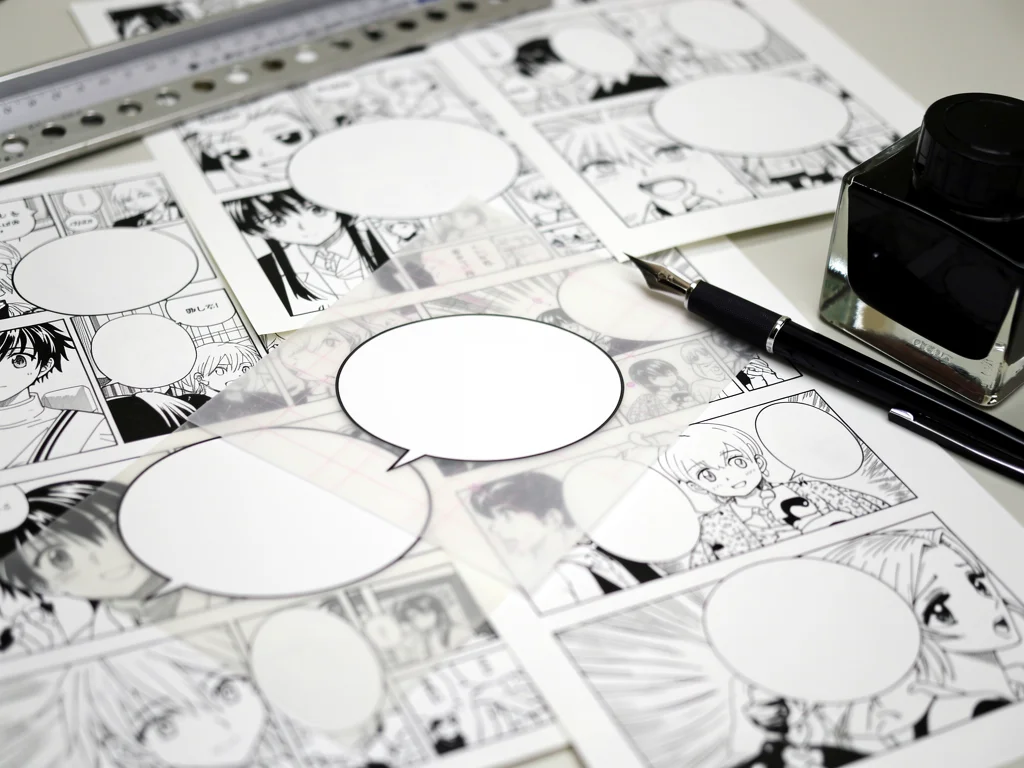
Translating the words is the smallest part of the job. The text lives inside the artwork: in speech bubbles, over screentones, in hand-drawn sound effects. Before a line can be translated it has to be found, read and erased, and the replacement has to look like it was always there.
That is why MangaTranslate, a web service from Ficory LLC, is best understood as a production line rather than a translation app. It chains detection, recognition, translation and relettering into one upload.
What you need before your first chapter
Pages in a supported format: jpg, jpeg, png, webp, avif, pdf, zip, tar or tar.gz, up to 15 MB per page.
The source language, if you use the default Manga model. The Ultra and EagleEye models detect it on their own.
The right to translate what you upload: your own work, or material you are authorized to use.
An account, if the daily free credits are not enough for your batch.
What MangaTranslate actually is
MangaTranslate is a hosted manga translation service. You upload pages, scans or PDFs, and get back the same pages with the dialogue translated and relettered into the art. It is reachable three ways: the website, a browser plugin that the paid plans mention, and an API. There is no desktop app, and processing happens on the company’s servers, not on your machine.
Each upload runs four jobs that used to need separate tools:
Detection finds the bubbles and captions.
OCR (optical character recognition) reads the text.
Machine translation converts the lines.
Smart typesetting erases the original and writes the translation back into the cleaned artwork.
The tool lists 30 source languages and more than 100 target languages (about 124 in the current menu). Japanese, English, Chinese and Korean are the obvious sources, but the list also includes Romanian, Thai, Ukrainian and others. The site does not explain why the source list is shorter; it only says the Manga model uses one recognition model for Chinese, Japanese and Korean and another for everything else.
The homepage advertises 99% translation accuracy and more than 100 million completed translations. Both are the company’s own figures, and the site does not say how they were measured.
How the workflow runs
The marketing page shows three steps; in practice there are five:
Choose the source language, target language, model and font style.
Upload images, a PDF, or a zip or tar archive (up to 15 MB per page).
Translation starts automatically. Auto-start is on by default; switch it off to start each task by hand.
Watch per-image progress and preview each page as it finishes.
Download the results, or open a page in the editor first.
For uploads of more than 20 images you can turn on an email reminder. The queue runs in the background either way.
The three models
Model | What it is | |
|---|---|---|
Manga | 1 credit | First-generation manga model. Uses one recognizer for Chinese, Japanese and Korean and another for other languages, so the source language you pick matters. A mismatch makes it retry with another recognizer, which is slower. |
Ultra | 2 credits | Higher quality, finer detail. Can be briefly delayed at peak times. Detects the source language itself. |
EagleEye | 1 credit | Early-access model from the team’s latest R&D. Detects the source language itself. |
Fonts and typesetting
Lettering is where most machine output fails. The tool offers an Auto mode plus 14 named styles: Comic, Freedom, Morden (the site’s own spelling), Classic, Lovely, Elegant, Playful, Brush, Clean, Literary, Heavy Brush, Poster, Comic Marker and Casual Marker. Each is tagged with the scenes it suits; for example, Clean for dense dialogue and small bubbles, Heavy Brush for battles and shouting.
The typesetting step erases the original text, refills the background behind it, and fits size, position and line breaks to the bubble. That refill (often called inpainting) is what separates a readable page from one with text pasted on top.
Credits, plans and what a page costs
At 1 credit per page (Manga or EagleEye), paid use costs roughly $0.003 to $0.0045 per page, depending on the package. Ultra pages cost double.
The free tier
Without signing in, you get 5 free credits a day, shared by everyone on the same public IP address. Registered users can claim 5 free credits a day through a check-in; the site does not say clearly whether these add to the IP allowance. Extra free credits are also offered through community activities on the project’s Discord and Telegram. In practice, the free tier covers a few test pages a day, not a volume.
Two price lists on the same site
The site currently shows two different price structures. The homepage lists three subscription tiers; the dedicated pricing page lists credit packs and two different subscriptions. Check which one applies at checkout.
Where listed | Plan | Price | Credits | Per credit |
|---|---|---|---|---|
Homepage | Basic | $8 / month | 1,980 | about $0.0040 |
Homepage | Pro | $30 / month | 7,700 | about $0.0039 |
Homepage | Ultra | $288 / year (listed down from $576) | 92,400 | about $0.0031 |
Pricing page | Starter pack | $4.99 one-time | 1,100 | about $0.0045 |
Pricing page | Pro pack | $19.90 one-time | 4,600 | about $0.0043 |
Pricing page | Max pack | $99.90 one-time | 28,700 | about $0.0035 |
Pricing page | Monthly subscription | $12.90 / month | 3,200 | about $0.0040 |
Pricing page | Yearly subscription | $129.90 / year | 41,700 | about $0.0031 |
The homepage tiers allow up to 100 images per upload (200 on Ultra), and list priority speed, no watermark and a 10% bonus. The site’s headline claims, as low as $0.0035 per page for packs and $0.0031 for subscriptions, match the best-value package in each list.
The homepage tiers also list the translation models included. The page’s static text names GPT-4o, Papago and Google Translate; other write-ups have reported different models, so check the live checkout page.
Subscription credits refresh at each renewal and must be used within that period; they do not roll over. One-time credit packs, by contrast, stay valid long term. The API is priced separately.
How the price compares
The most detailed public comparison comes from Serifu, which is itself a competing manga translator. Its figures are useful but not neutral. It lists Serifu at 1 credit per page, with packs from 100 credits for $5.99 to 1,500 for $59.99, which works out to about $0.04 to $0.06 per page. It lists Torii at packs from 2,500 credits for $5.99 and about 1 credit per image, or roughly $0.0024 per image.
On those numbers, MangaTranslate sits between the two: cheaper than Serifu, a little more expensive than Torii. But a credit is not the same unit across tools. Models cost different amounts, and Serifu reads each page together with the two before it for context, which is a different product rather than just a different price. Compare on your own pages, not on price alone.
MangaTranslate Studio: where people fix the machine
The editor matters more than any model. After an image is translated, “Edit translated images” opens MangaTranslate Studio, a Photoshop-style editor in the browser.
In Studio you can correct dialogue, move text boxes, and adjust font, size, color, stroke, alignment, line spacing and letter spacing. It supports multi-select and batch actions. You can also import your own font files, which matters for serious localization work; on the website upload form and in the API, you are limited to the built-in styles.
Edits must be exported from Studio. They do not replace the translated images in the original task, so keep track of which version you downloaded.
Why does this step exist? Because machine output gets most of a page right, and the remainder is what readers notice: names, tone, sound effects, a line that overflows its bubble. Review is where a translated page becomes a publishable one.

The API: batch work for developers
Businesses and developers use the API, which is priced separately from the web plans. Teams authenticate with an API key, submit image batches, check task status and query their credit balance. The API examples page documents V1 and V2, with Python, cURL and Node.js samples.
The V2 flow has three moves: request upload URLs, upload the files, then submit the translation task. You then poll with the returned batch_id.
Three details to know before building on it:
target_language is required. source_language is optional, except with the Manga model, where it is required.
The upload request needs an Idempotency-Key header. It lets you safely retry the same file manifest for 8 hours without creating duplicate tasks.
Each image reports its own status:
"status": "pending | processing | completed | failed | canceled"A companion field, is_translated, becomes true only when a finished translated image URL is actually available. Poll for that field, not just for the status.
Where it breaks: limits and misconceptions
“99% accuracy” does not mean you can skip review
The figure is the company’s own, with no published method. There is also a structural problem no marketing number escapes: OCR and translation are chained, so their errors add up. Microsoft’s transparency note for Azure Translator makes the general point: translating OCR output cannot undo a recognition mistake, and the translation adds errors of its own. A misread character becomes a wrong word, then a wrong line. Human review in Studio is the fix.
It runs on their servers, and it is not open source
The website, plugin and API all send your pages to Ficory LLC’s servers. The site links to a GitHub repository, but at the time of writing that link returns a 404 error, and there is no self-hostable version. If you need offline or self-hosted processing for privacy, this is not the tool.
Free does not mean unlimited
Five anonymous credits a day are shared per public IP address. An office, a dorm or a VPN exit node can use them up before you start.
Handwriting and extreme layouts are untested claims
The site claims strong OCR on complex backgrounds and on warped or outlined text. It says nothing specific about heavy handwriting or broken layouts. Use the free credits on your hardest pages first, not your easiest.
Only translate what you have the rights to
An easy translation tool does not make every translation legal. Translating a volume you own for your own reading is different from sharing translated copies without the publisher’s permission.
People also ask
Is MangaTranslate free?
Within limits. Anonymous visitors get 5 credits a day, shared per public IP. Registered users can claim 5 credits a day by checking in, and more through community activities. At 1 credit per page on the Manga and EagleEye models, that is enough to test, not to translate a volume.
Does it support custom fonts?
Yes, but only in Studio. Open a translated image with “Edit translated images” to import and apply your own fonts. Uploads on the website and through the API are limited to the built-in styles.
How do I cancel a subscription?
Open the subscription in your Dashboard, click “Manage Subscription”, and cancel auto-renewal on the payment platform that opens. If no management option appears, contact support.
Do Studio edits replace the original translation?
No. Export edited pages from Studio; the images in the original task stay as they were.
Who is it for?
The same pipeline serves three audiences. Individuals get manga translation in the browser with nothing to install. Professionals get Studio, where the machine draft becomes clean lettering. Businesses get the API for batch work.
The product exists because manga translation was always a production problem, and production problems are solved with pipelines. Costs are per page, subscription credits expire each period, and a person still signs off at the end.
Key points
MangaTranslate, by Ficory LLC, is a hosted service (website, browser plugin, API) that combines detection, OCR, translation and typesetting. It runs on the company’s servers and has no open-source or self-hosted version.
Three models: Manga (1 credit per page), Ultra (2 credits) and EagleEye (1 credit, early access).
Free use is 5 credits a day per public IP, plus daily check-in credits for registered users.
The site shows two price lists. Paid use works out to about $0.003 to $0.0045 per credit; subscription credits expire at renewal, credit packs do not.
Studio is a browser editor for fixing dialogue and lettering, with custom font import; its exports do not overwrite the original task.
The API offers key authentication, batch submission, idempotent retries and per-image status.
The 99% accuracy figure is the company’s own. OCR errors carry into translation, so human review stays essential.
Sources
All pages checked on 19 October 2026.