
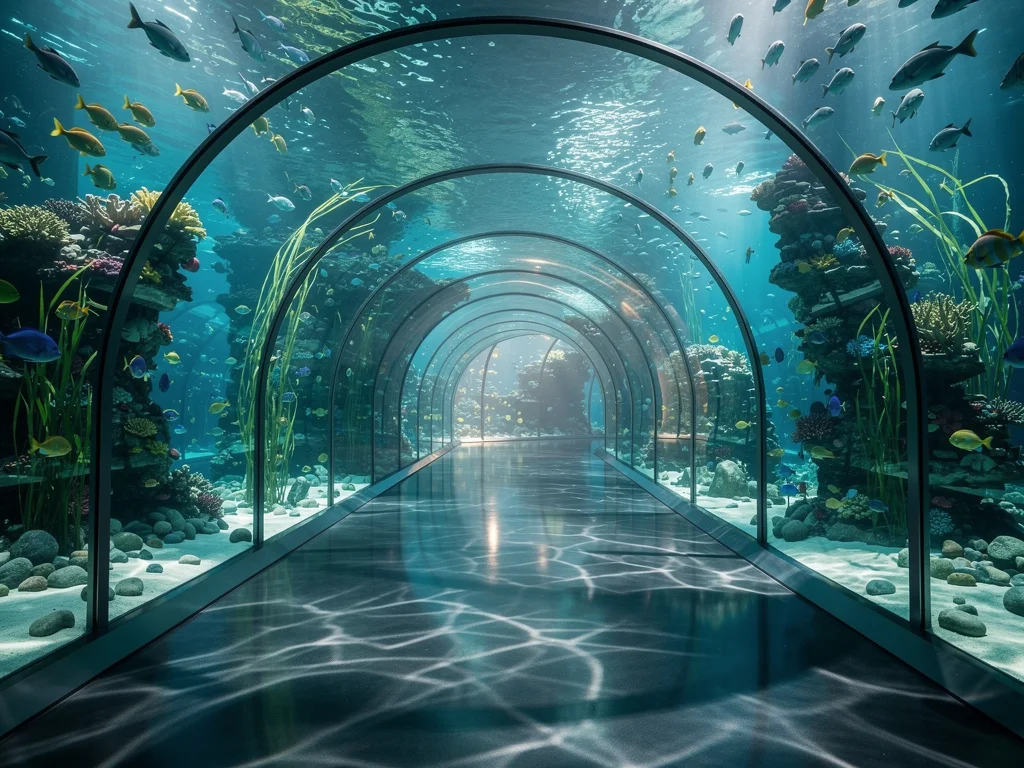
One tank, all your monitors
Fish Tank Plus is a free 3D aquarium screensaver and live wallpaper for Windows. The fish are nice, but the real reason to look at it is that they swim from one monitor to the next.
Two, three or four screens, with different sizes and refresh rates, all work. You tell the app how thick your bezels are and the picture lines up across the gaps, so the desk reads as one tank rather than four separate windows.
On top of that there is a camera you can move, lighting that follows your PC’s clock, and an optional webcam mode that turns the screen into a window into the tank.
Why a fish tank on a PC is not a bad idea
On an LCD, a screensaver no longer protects against burn-in. OLED monitors, which are increasingly common, can still suffer from it, but the better protection there is letting the screen turn off or using the panel’s own care features, not an animated scene. So in 2026 a screensaver is mostly about having something pleasant to look at that isn’t work.
A static wallpaper stops registering after a week. A moving scene, with a clock in the corner and light that shifts from morning to evening, holds a small part of your attention in a restful way.
Then there’s multi-monitor. Set a wallpaper on two screens and you usually get two unrelated pictures side by side. Fish Tank Plus treats the screens as one body of water.
What you actually get
The app is published by Technology 83 Systems Ltd. and was previously called Ultra Aquarium. Updating from the old version keeps your settings and the fish you designed.
It runs as a screensaver, as live wallpaper behind your desktop icons, or full screen whenever you want to sit back and watch. All three modes come from one install.
There are two scenes: the Open Sea, the coral reef the app started with, and the Glass Tank, added in version 7.50 and now the default.
The Glass Tank
The Glass Tank is a large public-aquarium tank in a dim, grand hall, with velvet ropes on brass posts, a carpet leading round it and plaques with real photos of the fish. Pendant lights hang over the water.
Press C to move between four viewpoints: the whole tank, up close at the glass, round the corner, or down low by the sand. A resident shark makes slow laps round the reef, close past the glass.
Real 3D: webcam head tracking
With a webcam, the app follows where your head is and moves the view to match. Lean left and you see round the side of the rock; stand up and you look down into the water; get close and the tank seems to extend behind the screen.
It has been on by default since version 7.50. In Settings, the switch is called Real 3D: look into the tank as you move. Turn it off and everything else works as usual, so a webcam is optional.
According to the developer, the camera image is processed on your PC and discarded, and nothing is recorded. The developer also notes it works best with one person in front of the screen.
Note: the code published on GitHub does not currently include the webcam/head-tracking component, so this privacy claim can’t be checked independently there.
The Open Sea and Octopus Boy
The original scene is a coral reef in deep blue water, full of fish that school, feed, hide and explore. It’s one click away in Settings.
Its resident is Octopus Boy. He lives in a cave under the big rock, crawls on all eight arms, changes colour to match the sand or rock, and jets off when startled. He’s more active at night, and under Advanced you can set the camera to follow him.
Visitors pass through from time to time: a manta ray, a shark, a sea turtle, or a whale in the distance. On multiple monitors they cross from one screen to the next.
Multi-monitor with bezel correction
Mixed setups work: different resolutions, sizes and refresh rates combine into one tank. Enter your bezel width and the picture lines up across the gap, so a fish passing behind a bezel reappears where it should.
Multi-monitor support itself isn’t unique; paid rivals such as Dream Aquarium also span several screens. Bezel compensation is the more distinctive feature, and it’s what makes the illusion hold on a multi-screen desk.
You also choose which monitors show the aquarium. The others keep your normal desktop, or go black while the screensaver runs.
Feeding, day and night, and your own fish
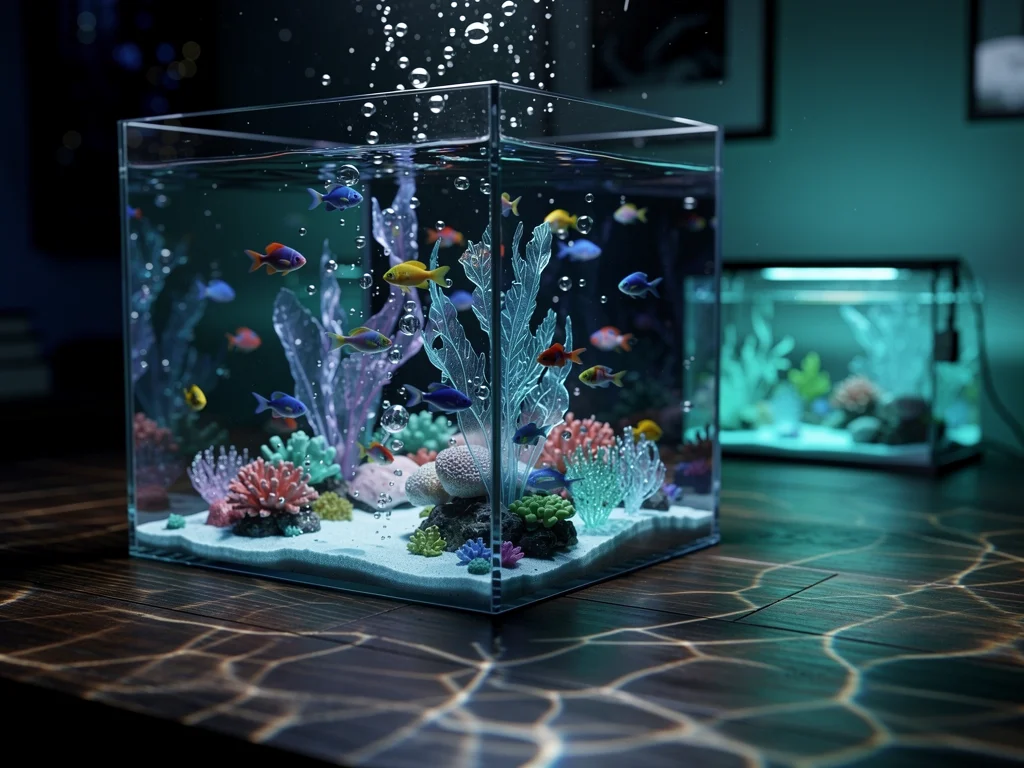
Press F and food sprinkles in from the surface; the nearest fish come up to eat. The key can be changed.
The light follows your PC’s clock: bright in the morning, warm in the evening, dark at night with glowing coral. You can also lock it to a favourite time of day.
You can design your own fish by choosing name, size, shape, colours, pattern, how many and whether they school. You can also add a clock in the corner, or your own words written in the sand or spelled out by a school of fish. The D key cycles the clock styles, including time and date on frosted glass.
Keyboard shortcuts
F feeds the fish
C changes the viewpoint
D cycles the clock
The Settings page lists the full set of shortcuts.
Fish sticks: the unlock system
You earn one fish stick for every minute the tank fills the screen. As the total grows, new fish and ornaments unlock automatically. The official site mentions no ads; we found no sign of in-app purchases either.
Unlock | Type | Fish sticks |
|---|---|---|
Treasure chest | Decoration | 60 |
Ship’s anchor | Decoration | 120 |
Seahorse | Fish | 200 |
Mandarinfish | Fish | 350 |
Shipwreck bow | Decoration | 500 |
Giant clam | Decoration | 750 |
Swordfish | Fish | 1,000 |
Moon jellies | Fish | 1,500 |
Coral castle | Decoration | 2,000 |
Sunken lighthouse | Decoration | 2,500 |
Ocean sunfish | Fish | 3,500 |
Explorer submarine | Decoration | 4,000 |
Flashlight fish | Fish | 5,000 |
Leafy sea dragon | Fish | 6,500 |
Temple ruins | Decoration | 8,000 |
Golden Octopus Boy | Special | 10,000 |
Hammerhead shark | Fish | 15,000 |
There are also 34 achievements, each paying bonus fish sticks. The same collection, at the same totals, exists in the Windows app and the browser version. For each item you own, you choose where it appears: the Glass Tank, the Open Sea or the browser aquarium.
Performance: quality 1 to 10
Quality 1 is built for integrated graphics and runs on a laptop without a dedicated GPU. Quality 10 is for a proper graphics card.
The Settings page keeps it simple: pick a scene, pick a quality, press Launch. Everything else is under Advanced, and there’s a Reset to defaults link. A gentle drifting camera is on by default at 35%; you can change it or turn it off.
How to install Fish Tank Plus
Download the installer from the official site and run it; the app opens when it finishes. Since version 8.0 the installer and app carry a verified Technology 83 Systems Ltd. signature and include everything they need. If you have Ultra Aquarium, Fish Tank Plus replaces it and keeps your settings.
It’s also on the Microsoft Store, where it installs and updates through the Store. From a terminal:
winget install XP8C5D95N4Q26P -s msstoreThe current release is version 8.1.1 (124 MB). Older installers remain available on the site: 8.1.0 and 8.0.0 (124 MB), 7.50.0, 7.25.1 and 7.25.0 (17 MB), and 7.0.3 (13 MB). To roll back, uninstall the current version first, then run the older installer; your settings are kept.
Updates: the standalone version tells you when a new release is out and only updates when you click Update. The Store version follows the Microsoft Store’s own update behaviour instead.
Is it really free, and what’s the catch?
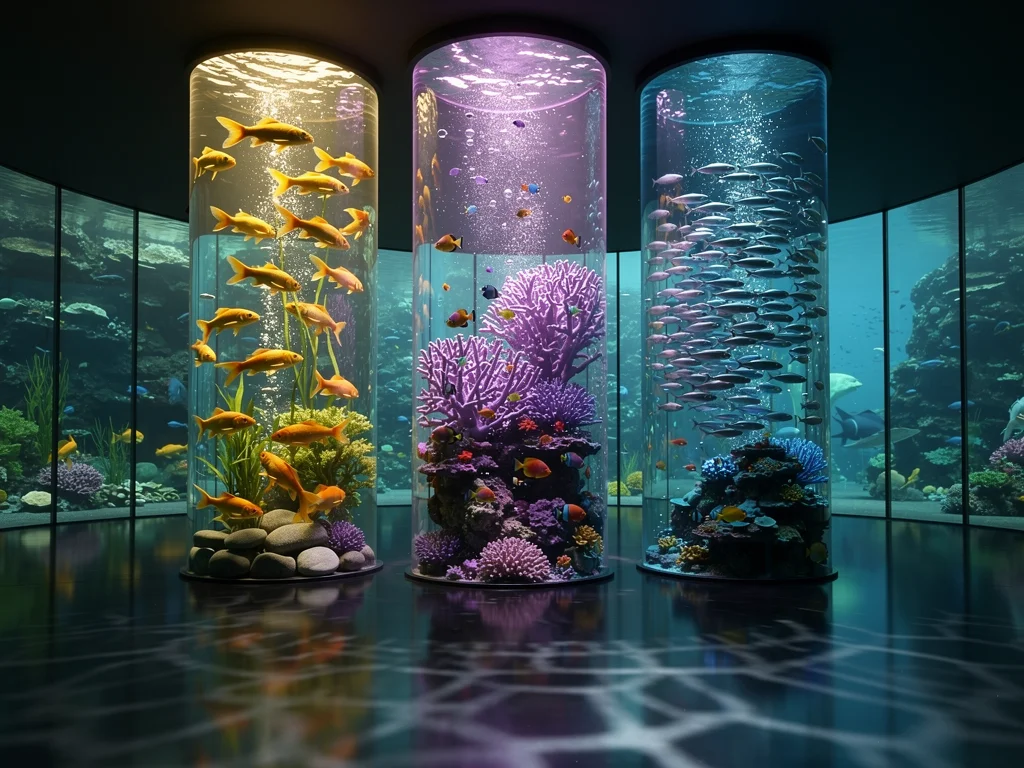
Yes, it’s free, with no ads. The developer’s stated reason is simple: he loves aquariums, has worked on this for a long time, and wants as many people as possible to enjoy it.
The site openly says the app was built with frontier AI models, including Claude, ChatGPT and Grok, using many thousands of dollars in AI credits.
It is not open source. The rendering engine, artwork and models belong to the publisher. What’s on GitHub is the code that touches your computer or the internet outside of drawing the aquarium: the online check-in and self-update, how the screensaver and autostart are registered, the settings storage, the installer build and the web service behind the download site. The repository doesn’t include the webcam code, and its README still describes Ultra Aquarium 7.0.3, so it may lag behind the current release.
The privacy notice says anonymous usage sharing is on by default. It sends a random install ID, Windows version, graphics card, screen sizes and a settings summary, never your name, files or typed text. You can turn it off on the About page.
How it compares to the alternatives
App | Platform | Price | Multi-monitor | Notes |
|---|---|---|---|---|
Fish Tank Plus 8.1.1 | Windows 10/11 (64-bit); browser version | Free, no ads | Yes, with bezel correction | Webcam head tracking; 124 MB installer |
Windows, Mac | $19.95; extra species $2 each or $8 for 10 | Yes | 20% of profits to environmental charities; 8.28 MB Windows installer; Dream Aquarium 2 also exists | |
3D Fish School Screensaver (Gelios Software) | Windows | $14.85, trial | Not verified | Older paid desktop screensaver |
3D Aquarium Screensaver (MajorGeeks) | Windows | Free, ad-supported | Yes | 55.4 MB; listed 2014; MajorGeeks marks it as abandoned |
Dream Aquarium is the closest rival: polished, lighter on disk, cross-platform and with a charity angle, but paid. Its default camera is static, showing the full tank, and it can be set to follow fish; that description comes from a 2016 review, so details may have changed. Whether it compensates for bezels isn’t stated in the sources we checked.
Fish Tank Plus wins on price, head tracking and bezel alignment. Dream Aquarium wins on footprint and Mac support. Older free options exist, but some, like the MajorGeeks listing, are no longer maintained.
What it doesn’t do
The desktop app is Windows only: 64-bit Windows 10 or 11. Mac, Chromebook, Linux and phone users can use the browser version at play.fishtankplus.com. It shares the fish stick collection and supports Real 3D, but not the full desktop feature set.
Version 8.1 added sign-in across devices: show a QR code on a signed-in PC and scan it with your phone (or the reverse), confirming before anything joins. Passkeys and Windows Hello also work. Your fish sticks and collection follow your account.
There is no native Linux build.
Frequently asked questions
Does Fish Tank Plus work without a webcam?
Yes. Only Real 3D needs a camera, and you can turn it off in Settings. Both scenes, feeding, the clock, day and night, and multi-monitor all work without one.
What are the system requirements?
64-bit Windows 10 or 11. Quality 1 runs on integrated graphics; quality 10 is for a dedicated graphics card. Since version 8.0 the installer includes everything it needs. Older 7.x installers could ask for the free Microsoft .NET 8 Desktop Runtime.
Can I install it from the command line?
Yes: winget install XP8C5D95N4Q26P -s msstore. This installs the Microsoft Store package, which updates through the Store.
Is Fish Tank Plus open source?
No. The engine and artwork are proprietary. The code for settings, online check-in, updates and installation is on GitHub to read, but not the webcam code.
The short version
With one monitor, there are plenty of good moving wallpapers. With two to four, if you want them to act as one window into the same water, the options narrow quickly. Fish Tank Plus is free, handles bezel alignment, and its optional head tracking is a striking extra.
Download it, pick the Glass Tank, press Launch.