

Why a letter you cannot open changes the writing
Dear You: Daily Letters is a private reflection app for iPhone and iPad built on one constraint: you write to a person who does not exist yet, and you cannot take it back. It is free to download, it carries in-app purchases, and it needs no account. That is the pitch. It is a better pitch than it sounds.
Think about why most journal apps die in February. You can edit everything. You can delete the entry where you were embarrassing. So you write the version of yourself that will read well later, and by week three you are performing for an audience who already knows the ending.
The difference between saved and sealed
Saved waits for you. Sealed waits for its moment. Those are different objects, and the second one changes what goes on the page.
In Dear You you choose a date, write the letter, seal it. It stays locked until that day, and the App Store listing is clear that this includes the person who wrote it. Then it opens inside the app, and you write back.
Does that read like a small mechanic? It is the whole thing. A letter behind a locked door is written by someone who cannot negotiate with the reader. You stop editing for taste. You put down what the week actually felt like.
It is also why “digital time capsule” undersells it. A capsule is something you bury and dig up. This one answers you.
How Dear You works: a sealed letter to your future self, then a reply
Two loops run at once. One is daily. The other runs for years, and it is the reason to install the app.
A daily writing app that ends in a question
You open it, pick what you need today: a little encouragement, a moment of calm, a fresh start, courage for something hard, a moment of gratitude, or a surprise. Dear You opens an original letter matched to that choice. Each one ends with one small doable step and a question to answer.
The six starting points are not decoration. Naming the need is the part people skip, and skipping it is why generic affirmations slide straight off. Choosing “courage for something hard” before you read commits you to a specific problem you already had in mind.
No quote feed. No scrolling. The app is closer to a prompt sheet with a floor than a content stream, and that is deliberate.
Free readers get the first daily letter. Plus adds a matched letter every day, and the Sunday letter on top of that.
Open When envelopes for moments you can name in advance
There is a shelf of sealed envelopes for situations rather than dates: can’t sleep, doubting yourself, waiting on news, starting over, something finally went right. You open the one that matches the moment, and you can write and seal your own in your own words.
The privacy page lists 12 moments on the shelf. Free gives you two. This is the feature that rewards a calm hour spent in advance: write the “waiting on news” envelope on a Tuesday when nothing is happening, open it the week you are refreshing your inbox every four minutes.
Because the envelope is sealed, you cannot rewrite it to suit the outcome. You get your own voice from before you knew.
How far into the future a letter can wait
A future letter can be sealed for a week, a month, a year, three years or five. You pick the date at the moment of sealing. The three and five year options are recent additions, recorded in the app’s version history alongside letter threads, the private reminder, the app lock and PDF export.
Sealing is one way. Until the chosen day the letter does not open, and the export respects that rule too: letters still sealed stay sealed inside the PDF.
Letter threads: the conversation that keeps going
This is the part to understand before you compare this app with anything else.
When a sealed letter opens, you get a letter from someone you used to be. Most apps stop there. You read it, you feel something, you close the app, the loop ends.
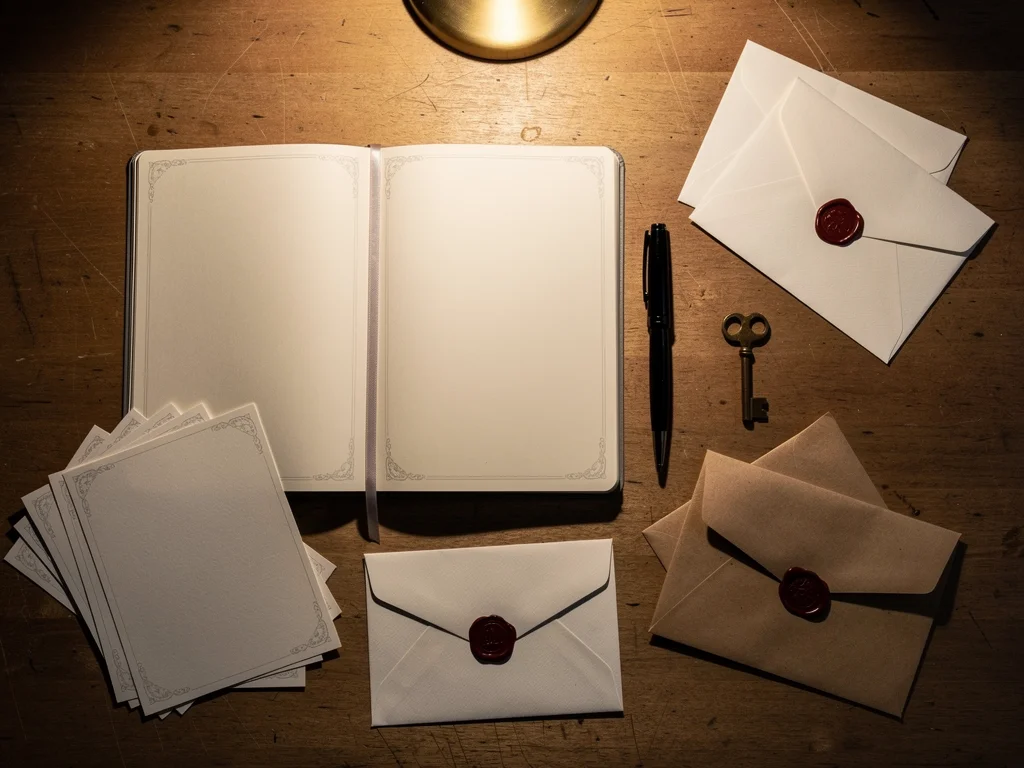
Dear You asks for an answer. You write back to the person who wrote the original, then seal that reply for a later date. The next letter opens, and a thread is already waiting: what you predicted, what actually happened, what you were wrong about.
Run that over five years and you have something a diary cannot give you. Not a record of days. A correspondence.
Why the reply is the hard half
Reading an old letter is easy and slightly sentimental. Answering it is work, because answering means admitting what changed. The app asks for that work at the moment you are most likely to do it: straight after the seal breaks, while the old voice is still in your head.
The thread is free. Both columns of the app’s own feature table list letter threads as included, not as a Plus extra. That is not universal. FutureNote’s guide describes replying to a returned letter as an in-app Premium feature. Same idea, different paywall. If continuing the conversation is why you are downloading, check who charges for the second half of it.
What a long thread looks like in practice
No need to dress this up. The sequence is simple. Seal a letter for five years. On the day it opens, read it and write back. Seal the reply for a further date of your choosing, and repeat.
Everything you open, write and reply with collects in one private library together with your notes. So a thread is not a separate silo you have to remember to visit. It sits in the same searchable place as the rest of your writing, which matters once you have years of it.
The free tier in numbers, and what Plus actually buys
Free is not a trial that expires. The list is specific, and the honest way to present it is as it stands:
The first daily letter
Two Open When letters
One future letter waiting at a time
Write-back notes, letter threads, the library and search
One goal and one personal chapter
The first stage of the guided Journeys
Face ID, Touch ID or passcode lock
PDF export, backup and restore
The limit worth reading twice is the future letter one. It is one waiting at a time, not one for life. The version history confirms that free readers can write their next future letter as soon as the previous one opens. So the constraint is on how many are in flight, and a patient person can keep a thread going indefinitely without paying.
Dear You Plus lifts the ceilings:
A fresh matched letter every day
The full Open When shelf
Unlimited future letters
The Sunday letter
All seven Journeys
Unlimited goals and chapters
Every Studio style
Plus is $6.99 a month or $39.99 a year. The annual plan includes a 7-day free trial for eligible new subscribers. Payment goes to your Apple ID, the subscription renews automatically unless cancelled at least 24 hours before the end of the current period, and it can be managed in your Apple ID settings. The listing says prices are shown in the app before you buy, so the figure you see there is the one that applies to you.
Where the money goes
Worth understanding, because it explains the shape of the pricing. The privacy policy says the app runs no servers of its own and holds your writing in a local database on the device. So the subscription is not renting you storage. What you are paying for is the letter library (97 original letters, 61 of them daily, according to the app’s own pages) and the daily matching against it.
Content and features, then, not hosting. The trade is also fair in one respect: what you have already opened and written does not depend on the subscription. Opened letters and written replies stay readable if a subscription lapses. What stops is the paid part: new matched letters and the other Plus features.
On-device privacy: what leaves the phone
No account. No ads. No analytics. Those three are on the listing, and the privacy policy goes further: letters, opened content, notes, sealed future letters, plant progress and preferences sit in a local database on the device. No servers of the app’s own. No analytics SDK, no advertising SDK, no crash reporter, no tracking.
Which raises the obvious question. If nothing is uploaded, what is talking to the internet?
Subscription verification is the only data the policy says leaves the device
According to the privacy policy, the one outside service involved is subscription verification through Apple and RevenueCat, which receives an identifier and Apple purchase receipt information. The App Store privacy label matches that in substance: it lists purchase history and a device identifier, both marked as not linked to your identity. Not your letters, not your notes, not your name, not your contact details.
Everything else stays put. Notifications are scheduled locally and only say a letter is waiting, never the words. The optional widget shows whether something is waiting and how the plant is doing, nothing more. Switch on a personalised title and the first name you type is used on the device only.
Backups are yours: Apple’s iCloud Backup or an encrypted computer backup, and the developer states it has no access to either.
Lock it, then export it
The app lock is in Settings, under the trust centre, and it takes Face ID, Touch ID or your passcode. It is in the free tier. Export lives under the app’s data settings, and produces a readable file or a printable PDF created on the device.
Deleting is also simple, and this is the direct consequence of having no server: deleting your data from the device deletes everything the app itself holds. The exception is any copy you made yourself. An iCloud Backup, an encrypted computer backup or an exported file keeps its copy until you delete that too.
A private journal app you can actually search
Write-back works on any letter, and all of it lands in one library: opened letters, replies, notes, reflections, chapters. Search finds any of it again. Personal Chapters group the writing into named seasons of your life.
That last feature is the difference between a journal and an archive. Most people quit journaling because the old entries become an unreadable pile. A pile you can search and file is one you go back into.

What the library is for
Not nostalgia. Evidence. If you are trying to work out whether you always get like this in November, or whether the thing you feared in March actually happened, the answers are in there and you can find them in seconds.
Personal Chapters make that query possible at a coarser grain. Name a chapter after a job, a city, a year that had a shape, and everything from that stretch files under it. Free gives you one chapter and one goal. Plus makes both unlimited.
Growth without streaks
Consistency Blooms, gentle monthly recaps, seven guided Journeys, and a windowsill plant that grows with your practice. Nothing resets. Nothing is taken away. A quiet week costs you nothing.
Streaks are a retention mechanic wearing motivation as a costume, and they punish exactly the weeks when a person most needs to write something down. This app does not have one, which is a design claim you can test in about ten days: skip a week, come back, see whether anything got smaller.
A ten minute weekly routine that works with the free tier
Once a week, open the daily letter the free tier gives you and answer the question at the end.
Keep one letter to your future self in flight at all times, sealed a year out.
Write one Open When envelope for a situation you can already name.
When a letter opens, reply before you close the app. That is the whole habit.
Export a PDF once a quarter and keep it somewhere that is not your phone.
That routine fits inside the free tier, minus the daily matched letter and the full shelf. Ten minutes a week is enough to build a thread that is worth reading in 2031.
What an editorial review should test
Three things, in order of how much they matter.
The letter opens in the app, not in your inbox
This is a feature and a limitation at once. Nothing is emailed. Nothing is uploaded. Nothing arrives at an address. Compare FutureMe, which schedules letters to be emailed back in one year, three years, five years or a custom frame, according to Burlap and Blue. Email is convenient and it drops your most personal writing into the same list as invoices. In-app is private, and it means you have to open the app on the day.
If you are the sort of person who forgets, there is a private reminder for exactly that, and it never shows your words on the lock screen. Test whether it fires on the right day, and test it with the phone face down.
Export honesty
Test whether the PDF really carries opened letters, replies, notes, chapters and goals, and whether sealed letters stay sealed inside it. Then test the password-protected backup by restoring it on a second device. A backup you have never restored is not a backup.
Where Dear You stops
It is a reflection and writing app, and the listing says plainly that it is not a medical or mental-health service. It is not psychotherapy, counselling or crisis support either, and no app with a text box is. If you are in a bad place, this is a notebook, not a clinician.
Practical limits matter too. English only. iPhone at iOS 17.0 or later, iPad at iPadOS 17.0 or later, Mac at macOS 14.0 or later with an Apple M1 chip or later, Apple Vision at visionOS 1.0 or later, with the listing noting the app is not verified for macOS. There is no Android version. Size is 15.7 MB. Age rating 4+. At the time of writing the App Store page shows no ratings overview, because the app has not received enough ratings yet.
And you cannot send a letter to another person. Several apps in this category do that. SEALED, for example, is built around writing to a partner, a child or a future generation. Dear You is addressed to one correspondent, and it is you. If you want to write to your kid on their eighteenth birthday, this is the wrong tool. If you want to keep talking to yourself for five years, it is the right one.
People Also Ask
Does Dear You work on a Mac or an Apple Vision headset?
Yes, within limits. On a Mac you need macOS 14.0 or later and an Apple M1 chip or later, and even then the listing warns that the app is not verified for macOS. On Apple Vision you need visionOS 1.0 or later. The phone and the tablet are where it is meant to live, so plan on iOS 17.0 for iPhone or iPadOS 17.0 for iPad.
What happens to my writing if I stop paying for Plus?
Opened letters, replies, notes and chapters stay readable indefinitely. What pauses is the paid part: the daily matched letter, the Sunday letter and the full Open When shelf stop until you resubscribe, and new future letters fall back to the free limit of one waiting at a time. Nothing you already wrote is taken away.
What language is the app available in?
English, and only English according to the App Store listing’s language field. The app is not localised, so the original letters and the interface are English throughout.
Can a sealed letter be opened before its date?
No. Sealing is a one way action: once dated, the letter stays locked until that day, including from the person who wrote it. The export respects the same rule, so a PDF of your writing will not reveal a letter that has not opened yet.
What this app is, plainly
An iPhone notebook with a lock on it, a letter library written for the day you open the app, and a sealed envelope you post to yourself and cannot peek inside.
The interesting mechanic is not the time capsule. It is the reply. Writing back to a past self turns a sentimental artefact into a habit, and the free tier gives you that habit, threads included, without a subscription.
What you cannot do: send a letter to your daughter, get a copy by email, or use the app in any language other than English. What you get instead is one correspondent, kept private on the device, and a conversation that has years to run.
Worth ten minutes a week.
Additional Resources
This article includes content created with AI.